What changes when the key on your desk goes post-quantum?
Your employer sends a challenge. You touch a security key. What does the service actually check? Yubico’s new beta gives developers a way to follow that exchange with a post-quantum signature. Elsewhere in this issue, two detector clocks must agree on a time, a carmaker brings five questions into the lab, and two AWS operations leave different evidence about what they protected.
Published · Los Angeles · 4 selected stories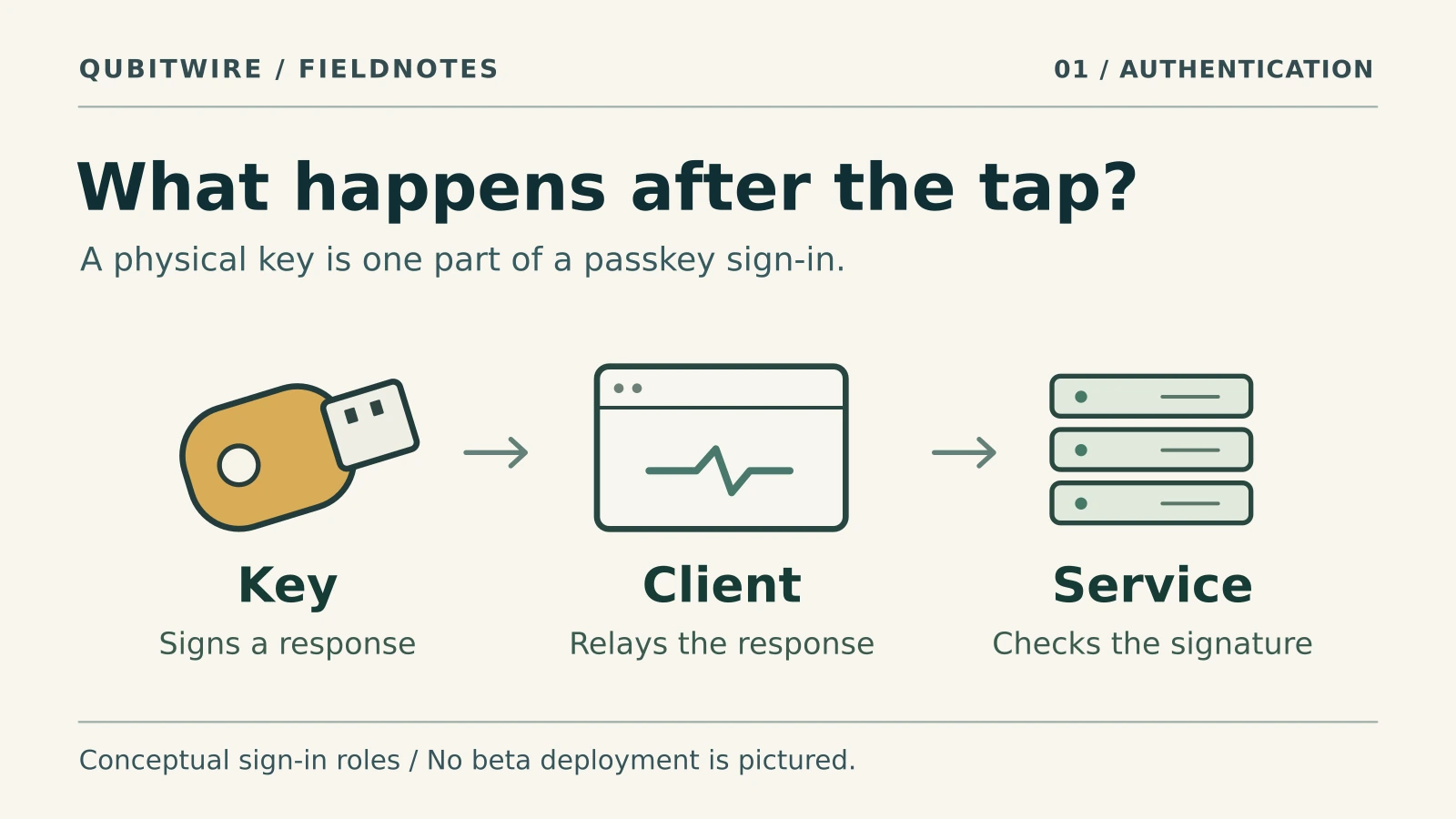
Yubico opens applications to test a post-quantum YubiKey
A new secure chip can sign a passkey login using ML-DSA. Follow the response from the key on your desk to the service that checks it.
Applications are open for a limited beta. Existing YubiKeys have fixed firmware.
Yubico · beta program and application ↗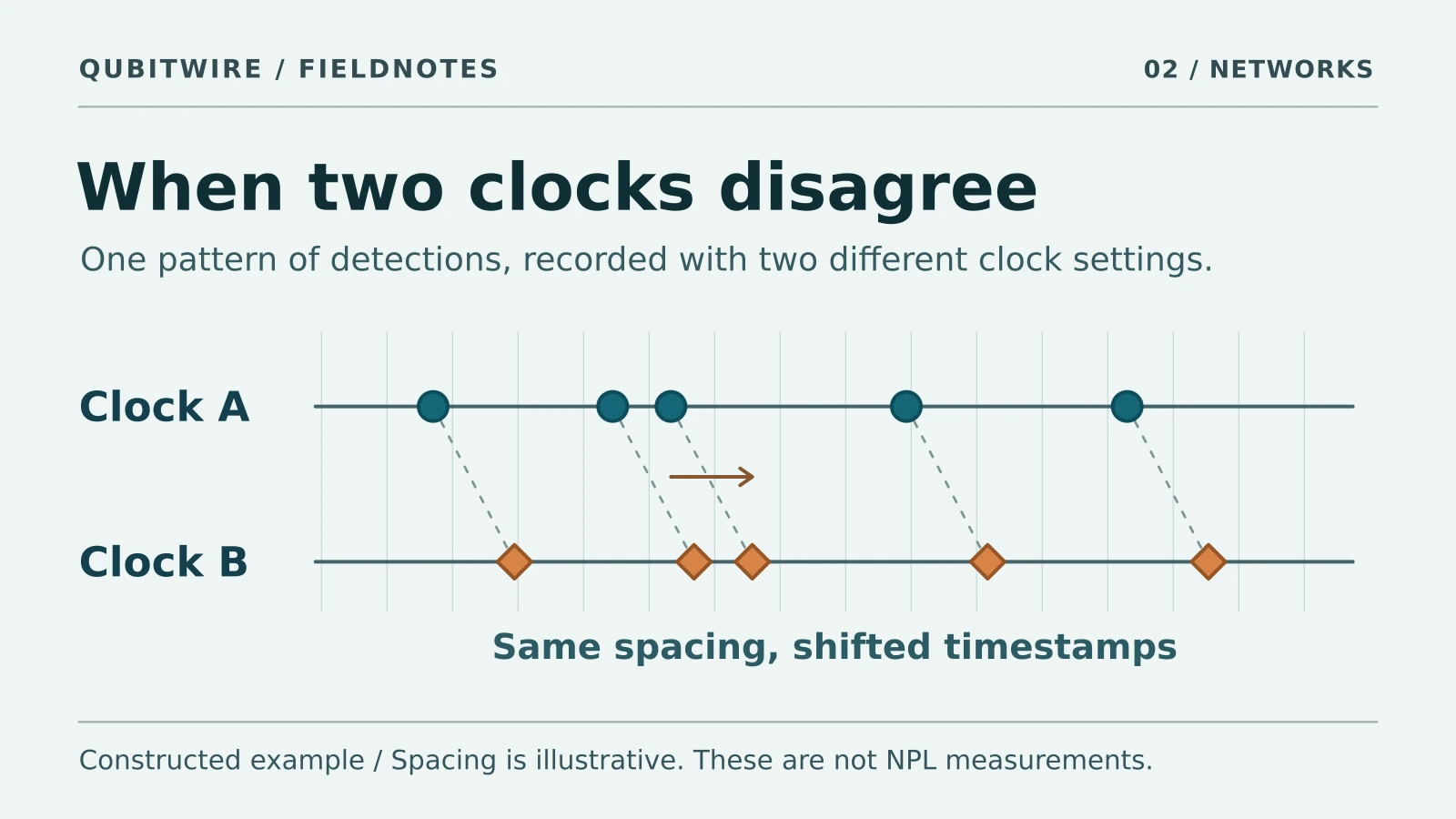
Why two photon detectors need their clocks to agree
NPL reports distributing entanglement between remote users and synchronizing a three-user fiber network at the picosecond scale. Try shifting a detector clock to see why matching photon arrivals takes more than comparing two numbers.
NPL has not specified an uncertainty or fiber length in its announcement. The timing exercise uses invented numbers.
National Physical Laboratory · November 3 announcement ↗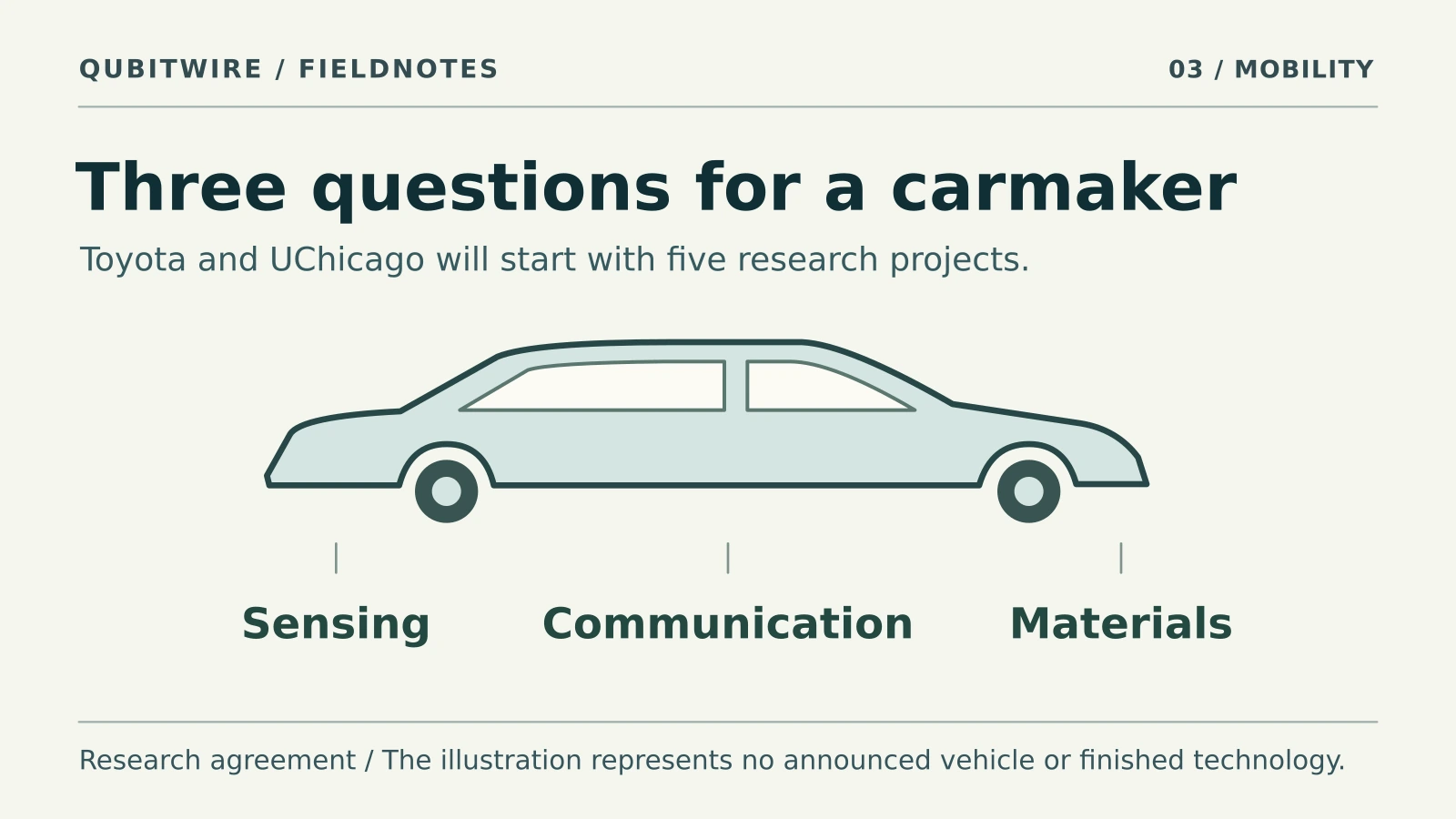
Toyota and UChicago ask what a quantum sensor could tell a car
Two Toyota scientists are already in Chicago labs. Five projects will explore how vehicles sense their surroundings, protect data links and monitor stored energy.
The partners describe research plans. The funding figure is a target of up to $1 million a year.
Toyota and the University of Chicago · research agreement ↗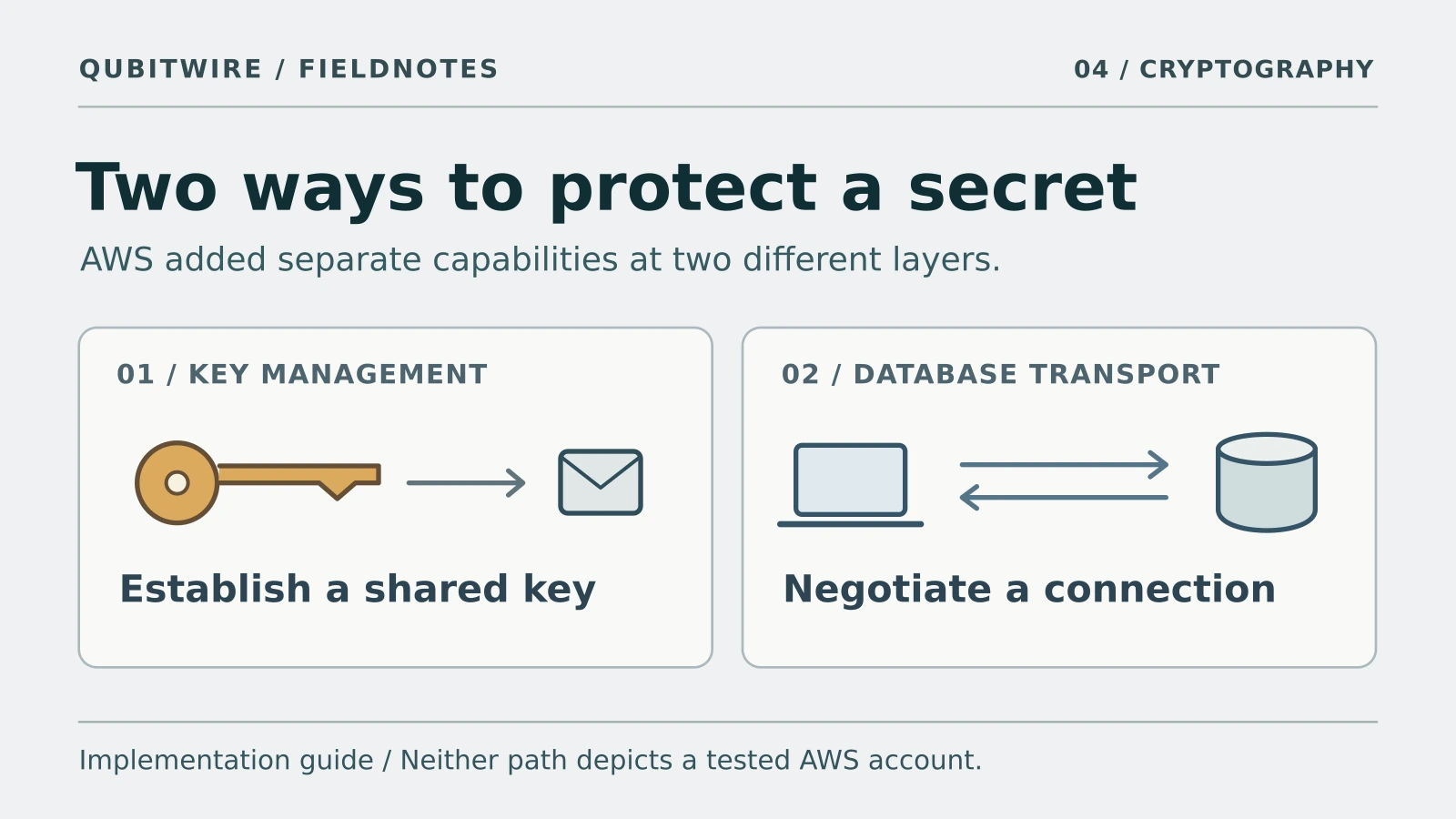
Which part of your AWS app used a post-quantum key?
A sales report travels from a database to a supplier. Find the two places where an AWS application can establish a secret, then see what evidence distinguishes them.
The walkthrough follows AWS documentation. It covers the Aurora PostgreSQL 18-and-later option and a separate KMS capability.
Amazon Web Services · Aurora PostgreSQL announcement ↗What would you check next?
For a login, look for the algorithm the service accepted. For a photon link, ask how long the timing stays aligned. For a vehicle sensor, ask how quickly it detects a change. For a database connection, inspect the group negotiated in that handshake.
Compare the recorded evidence →Follow the evidence further.
Move from the research to the physical mechanism, then work through the tradeoff yourself.
A useful way to read this page
Choose a route according to the question you want it to answer.
Reader guideBriefing: read a dated edition and a live preview for different purposesUse a fixed edition for its original selection, the archive for history and the preview for its currently displayed status.
A dated briefing preserves an editorial selection for that edition. Its linked articles can acquire corrections or additional context later, so the edition date and an article’s update date answer different questions. Use the archive to revisit what was selected at a particular time and the live preview to inspect the current selection.
When comparing editions, look for a changed claim or new evidence rather than assuming every repeated organization has produced a new technical result. Record the source date, the reported event date and the reason the item matters together. This makes a useful chronology without treating a new publication date as a new experiment.
The archive, preview and feed routes provide different ways to read the publication. A visible edition or feed is not a promise of email delivery, an individual alert or a fixed future publishing schedule. Check each route’s own description when choosing how to return.
Questions to take with you
Why can a linked article change while the edition stays dated?
The edition preserves its original selection. The article can carry later corrections or context. Reading both dates prevents those two records from being confused.
Does reading or bookmarking an edition join email delivery?
No such action is described here. Email signup and status have their own existing route and choices; this module does not submit or confirm a subscription.
Sources and their boundaries (1)
- Current on-site edition: What changes when the key on your desk goes post-quantum? ↗QubitWire · Published 2026-11-03
4 stories in this dated edition. Older editions remain in the archive; the live preview is a separate, changing selection.
On-site publication does not establish email delivery. The signup is a launch list while scheduled email delivery remains inactive.